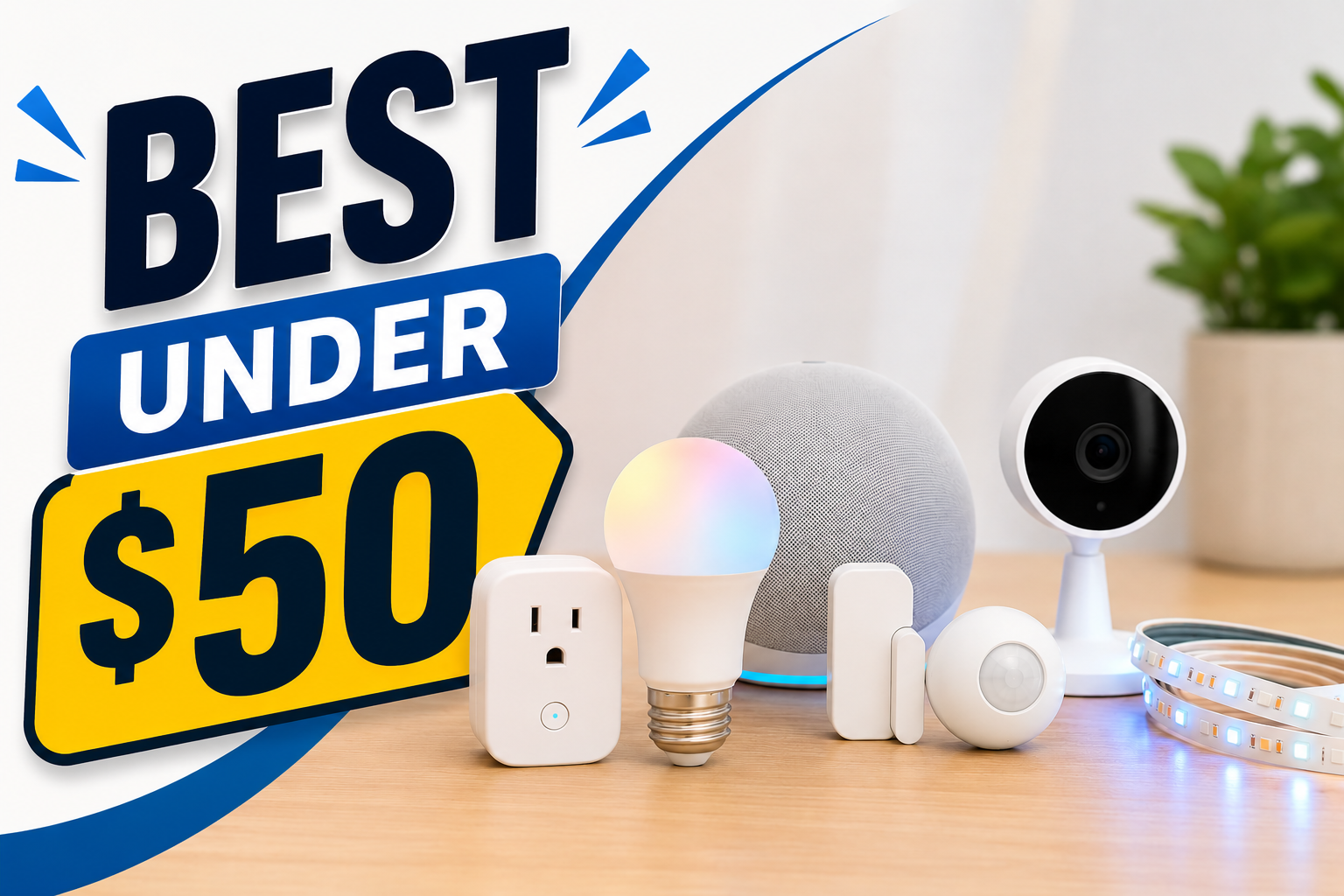
Top 10 Smart Gadgets Under $50 That Actually Make Life Easier
Disclosure: We may earn a commission when you purchase through links on our site, at no additional cost to you.
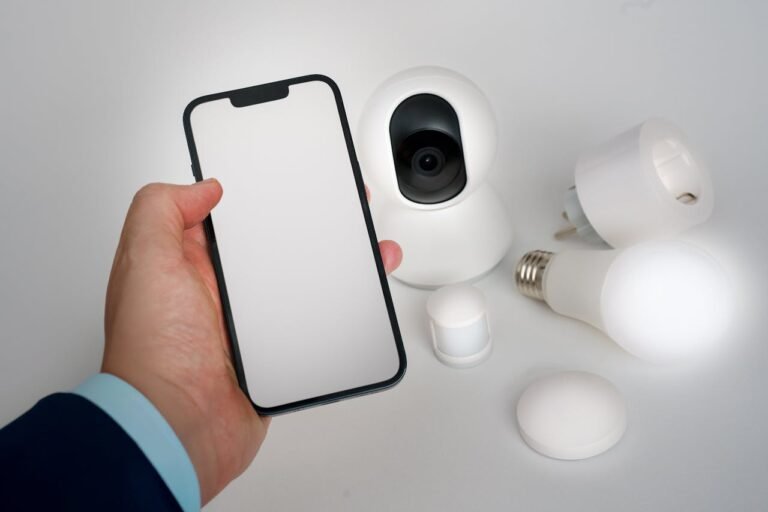
Smart Gadgets Under $50
You don’t need to spend hundreds of dollars to make your home smarter.
Some of the most useful smart-home upgrades cost less than $50. The trick is avoiding gadgets that look impressive but don’t actually solve a problem.
For this list, the focus is simple: usefulness, ease of use, compatibility, and value.
A $15 smart plug that automatically turns off a lamp every night can be more useful than a $200 gadget you barely use.
Quick Look: Best Smart Gadgets Under $50
| Rank | Smart Gadget | Best For | Typical Price |
|---|---|---|---|
| 1 | Smart Plug | Automating everyday devices | $10–$20 |
| 2 | Smart Security Camera | Home monitoring | $20–$45 |
| 3 | Smart Bulb | Automated lighting | $6–$25 |
| 4 | Motion Sensor | Automatic lights and routines | $20–$40 |
| 5 | Smart Speaker | Voice control | $30–$50 |
| 6 | Smart Temperature Sensor | Room monitoring | $18–$30 |
| 7 | Smart Outdoor Plug | Outdoor automation | $20–$30 |
| 8 | Smart Door/Window Sensor | Security alerts | $35–$49 |
| 9 | Smart LED Strip | Accent lighting | $15–$30 |
| 10 | Smart Thermostat Accessory | HVAC convenience | $25–$50 |
Editor’s Pick: Smart plug
A smart plug is the best place to start because it’s inexpensive, easy to understand, and can immediately make an ordinary device smarter.
1. Smart Plug: The Best $15–$25 Smart-Home Upgrade
A smart plug turns an ordinary lamp, fan, or other compatible appliance into a connected device you can control from your phone or through a voice assistant.
The real value isn’t the remote control. It’s automation.
You can schedule a lamp to turn on at sunset, shut off a device at bedtime, or control a connected appliance while you’re away.
Best for: Almost everyone.
Best use: Automating lamps, fans, holiday lights, and other compatible devices.
Why it’s worth buying: Smart plugs are cheap enough that you can buy several without making a major investment.
What to watch for: Check the plug’s maximum electrical load and make sure the appliance is appropriate for automated power control.
My take: If you’re buying your first smart-home gadget, start here.
2. Smart Security Camera: Affordable Home Monitoring
A smart security camera can give you a convenient way to check what’s happening around your home.
You might use one near an entryway, in a garage, in a home office, or to check on pets.
Look for useful features such as motion detection, night vision, two-way audio, and notifications.
Best for: Home monitoring, pets, garages, entryways, and home offices.
What to watch for: Subscription fees, cloud-storage limitations, privacy policies, and whether the camera works without a monthly plan.
A $30 camera isn’t really a $30 solution if the features you need require a recurring subscription.
3. Smart Bulb: Make Your Lights Work for You
Smart bulbs are one of the easiest smart-home upgrades.
You can control brightness, create schedules, change colors on compatible models, and connect lights to automated routines.
They’re especially useful in bedrooms, living rooms, offices, and entertainment areas.
Best for: Automated lighting.
Best automation: Turn lights on around sunset and gradually turn them down at night.
What to watch for: Some smart bulbs require a hub while others connect directly over Wi-Fi, Bluetooth, or Matter-compatible networks.
4. Motion Sensor: Let Your Home React Automatically
Motion sensors are one of the most useful smart-home accessories because they let your home respond to what’s happening.
Walk into a dark hallway and the lights can turn on.
Leave the room and they can eventually turn off.
You don’t have to touch a switch.
Best for: Hallways, bathrooms, closets, garages, bedrooms, and entryways.
Best automation: Motion detected → lights turn on → no motion for several minutes → lights turn off.
What to watch for: Compatibility with your existing smart-home ecosystem.
My take: Motion sensors are underrated. They remove tiny annoyances that you deal with every day.
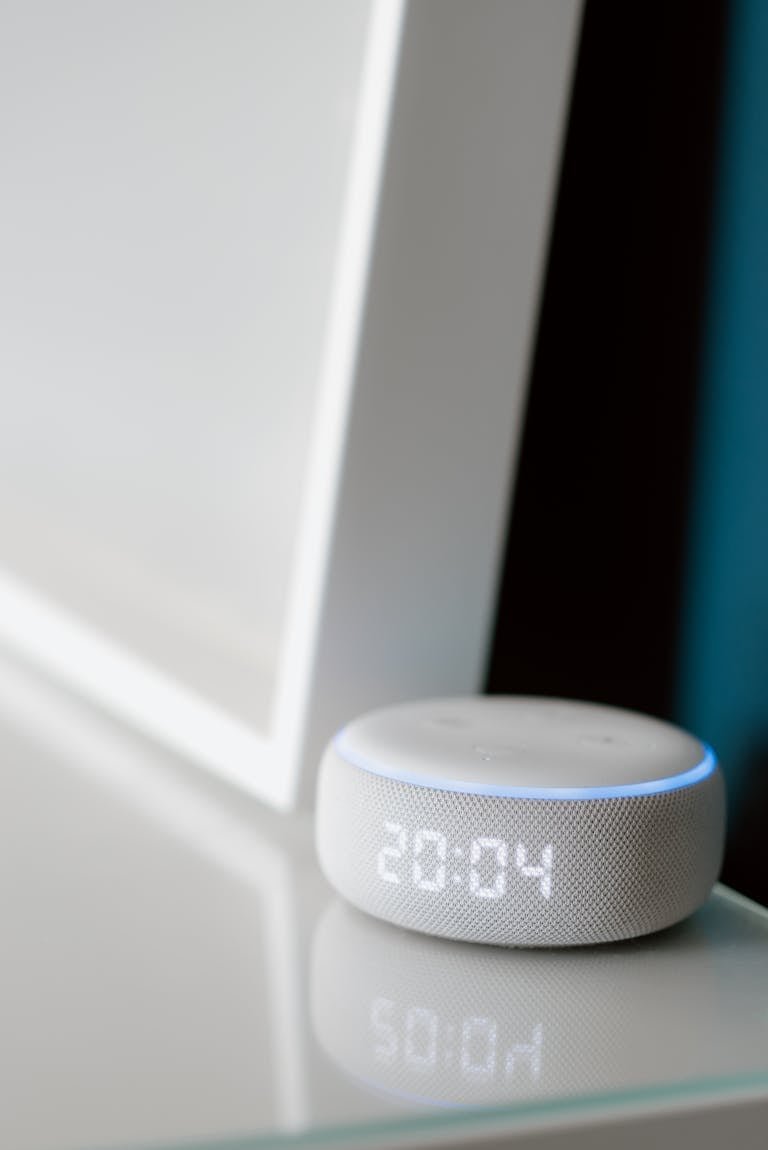
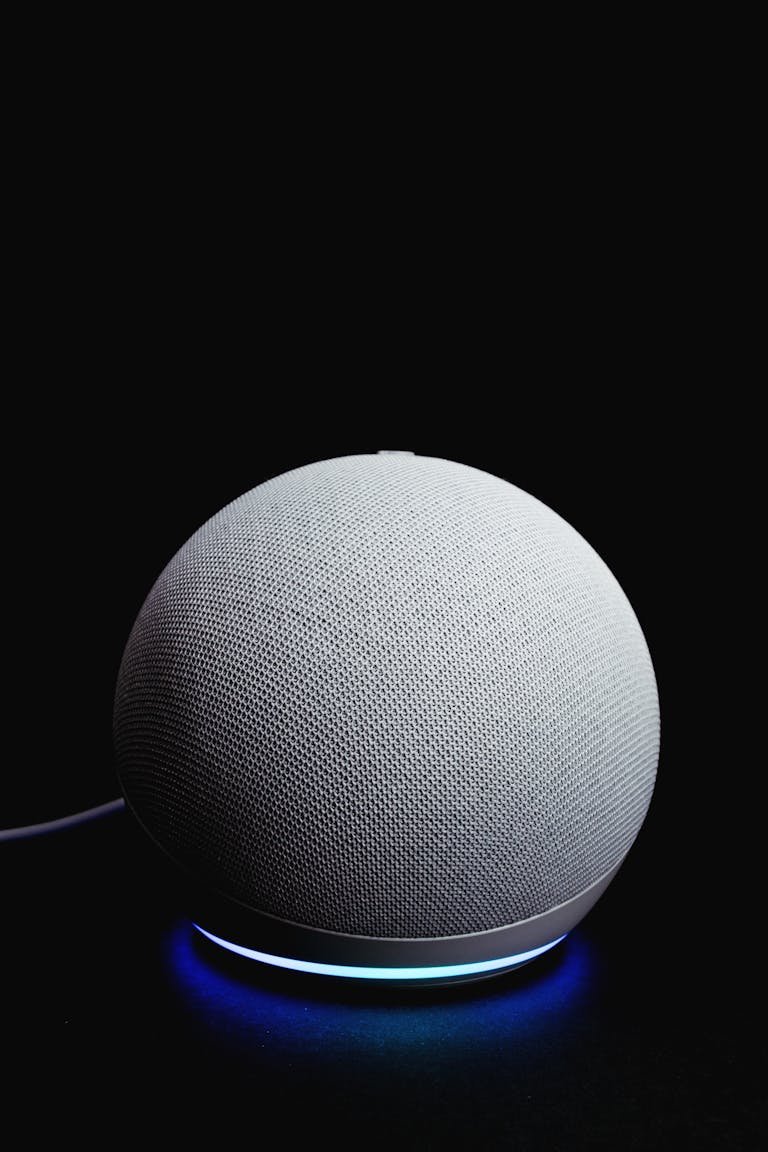
5. Smart Speaker: Your Voice-Control Center
A smart speaker can become the control center for your connected devices.
You can use voice commands to control lights, plugs, thermostats, routines, music, timers, and other compatible devices.
The real benefit comes when you combine several devices.
For example, saying “good night” could turn off selected lights and plugs and activate another routine.
Best for: Voice control and centralized smart-home management.
What to watch for: Make sure the speaker supports the ecosystem and devices you plan to use.
6. Smart Temperature Sensor: Monitor Individual Rooms
Your smart thermostat only measures conditions where the thermostat sits.
That can be a problem if one bedroom is always warmer, your home office runs cold, or another room has different temperature conditions.
A smart temperature sensor can give you information about another room and, with compatible equipment, help create more targeted HVAC automations.
Best for: Bedrooms, offices, nurseries, garages, and rooms with temperature differences.
Best use: Identify rooms that are consistently warmer or colder than the rest of the house.
What to watch for: Some temperature sensors only work with specific thermostats or smart-home hubs.
7. Smart Outdoor Plug: Automate the Outside
Outdoor lighting is an excellent candidate for automation.
A weather-resistant smart outdoor plug can control compatible patio lights, landscape lighting, holiday decorations, and other outdoor equipment.
You can schedule lights based on time or sunset rather than remembering to turn them on every evening.
Best for: Patios, porches, landscape lighting, and outdoor decorations.
What to watch for: Make sure the device is specifically rated for outdoor use.
8. Smart Door/Window Sensor: Know When Something Opens
Door and window sensors are small, inexpensive, and useful for security and automation.
A sensor can send an alert when a door or window opens. It can also trigger another smart device when combined with compatible equipment.
For example, opening a door could trigger an entry light.
Best for: Front doors, back doors, windows, garages, offices, and storage areas.
Best automation: Door opens → entry light turns on.
9. Smart LED Strip: Add Inexpensive Accent Lighting
Smart LED strips can add a lot of personality to a room without spending much money.
Put one behind a television, underneath cabinets, behind a desk, under a bed, or around shelving.
Many models support app controls, schedules, colors, brightness adjustments, and voice commands.
Best for: Bedrooms, gaming setups, home offices, entertainment areas, and kitchens.
What to watch for: Some inexpensive LED strips have limited smart-home compatibility.
10. Smart Thermostat Accessory: Improve HVAC Convenience
Smart thermostat accessories can solve specific problems that homeowners run into when upgrading HVAC controls.
One example is a power extender or C-wire adapter for compatible smart thermostats.
Some smart thermostats need a C-wire, also called a common wire, to provide continuous power. Homes without one may need an alternative installation method or compatible adapter.
Best for: Homeowners upgrading compatible HVAC systems.
What to watch for: HVAC compatibility.
Don’t guess when dealing with thermostat wiring. Verify the thermostat and HVAC system requirements before installing anything.
Which Smart Gadget Should You Buy First?
If you’re starting from scratch, don’t buy 10 gadgets just because they’re inexpensive.
Start with the problem you want to solve.
Want to automate a lamp? Buy a smart plug.
Want automatic lighting? Buy a smart bulb or motion sensor.
Want to monitor your home? Buy a security camera.
Want voice control? Buy a smart speaker.
Want better room temperature information? Buy a temperature sensor.
The best smart-home device is the one that eliminates something you don’t want to keep doing manually.
4. Build Your Smart Home With a $50 Budget
You don’t need to spend $50 on one expensive gadget.
A better approach is to combine inexpensive devices that work together.
$50 Convenience Setup
Smart plug + smart bulb + motion sensor
This gives you automated lighting and basic device control.
You could have a lamp turn on when motion is detected and turn off automatically after you’ve left the room.
$50 Security Setup
Smart camera + door/window sensor
The camera lets you check what’s happening while the sensor can notify you when a door or window opens.
$50 Lighting Setup
Two smart bulbs + smart plug
Use the bulbs for room lighting and the plug for a lamp or another compatible device.
Now you can create a basic morning and evening lighting routine.
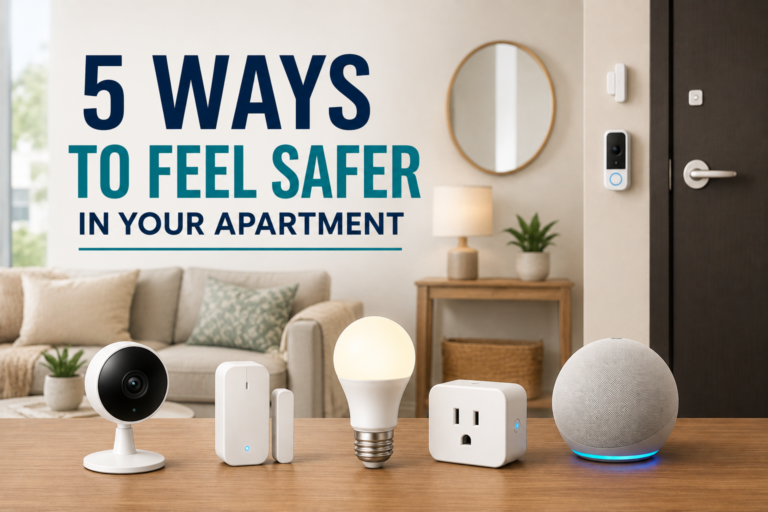
$50 Apartment Setup
Smart bulb + smart plug + motion sensor
This is a good option for renters because you can add automation without making permanent changes to the property.
The goal isn’t to fill your home with gadgets.
The goal is to connect a few devices so they work together.
What Smart Gadgets Under $50 Aren’t Worth Buying?
Not every inexpensive smart gadget deserves your money.
I’d skip products that add technology without solving a real problem.
Gadgets With No Clear Purpose
If you can’t explain what the device will do for you every day, don’t buy it.
A gadget shouldn’t exist simply because it connects to Wi-Fi.
Devices With Expensive Subscriptions
Always check the recurring cost before buying.
A cheap camera, security device, or monitoring product can become expensive when important features require a monthly subscription.
Products That Require Too Many Hubs
Some smart-home products need proprietary hubs, bridges, and additional accessories.
That’s not automatically bad, but it adds complexity.
If two products perform the same job and one works without another piece of hardware, I’d usually choose the simpler option.
Poorly Supported Brands
The cheapest product isn’t always the best deal.
A smart device depends on software, servers, firmware updates, and an app. If the manufacturer stops supporting the product, your “smart” gadget can become a dumb gadget pretty quickly.
Devices That Duplicate Your Phone
Some products simply add another screen or button for something your phone already handles well.
Ask yourself whether the physical device saves time or creates another thing to manage.
Overly Complicated Gadgets
If setting up a $20 smart device takes two hours and three apps, it’s probably not worth the hassle.
Smart-home technology should reduce friction, not create more of it.
How to Get More Value From Your Smart Gadgets
The biggest mistake beginners make is treating smart devices as individual products.
The real value comes from automation.
A smart bulb is useful.
A smart bulb that automatically turns on when you enter a room is better.
A smart plug is useful.
A smart plug that turns a lamp on at sunset and off at bedtime is better.
A door sensor is useful.
A door sensor that triggers an entry light is better.
That’s the difference between owning smart gadgets and actually having a smart home.
Best Isn’t Always Advanced
The best smart gadgets under $50 aren’t necessarily the most advanced.
They’re the ones that save you time, eliminate repetitive tasks, improve convenience, or give you useful information about your home.
If you’re starting from scratch, I’d buy a smart plug first.
Then add a smart bulb or motion sensor.
Once those devices work together, you’ll start seeing where additional automation can actually make a difference.
That’s the right way to build a smart home.
Solve one problem. Automate it. Then move to the next.
Frequently Asked Questions
What is the best smart gadget under $50?
A smart plug is the best starting point for most people. It’s inexpensive, easy to install, and can automate ordinary devices such as lamps and fans.
What smart-home gadgets are actually useful?
Smart plugs, smart bulbs, motion sensors, door sensors, security cameras, and temperature sensors tend to provide the most practical benefits because they automate common household tasks.
Can I build a smart home for $50?
Yes. A $50 budget can buy several inexpensive smart devices. A smart plug, smart bulb, and motion sensor can create a surprisingly useful starter system.
Do smart plugs use a lot of electricity?
Smart plugs consume a small amount of electricity while operating, although the exact amount varies by model. Automation can also help reduce wasted electricity by turning compatible devices off when they’re not needed.
Do smart-home devices need Wi-Fi?
Not always. Some devices use Wi-Fi, while others use Bluetooth, Zigbee, Z-Wave, or Thread. Matter can also help compatible devices communicate across supported smart-home ecosystems.
What is Matter in a smart home?
Matter is a smart-home connectivity standard designed to improve interoperability between compatible devices and smart-home platforms. When two similarly priced products offer similar features, Matter support can be a useful deciding factor.
Do smart cameras require a subscription?
Not always. Some cameras provide useful features without a subscription, while others place cloud storage, advanced detection, or other features behind a monthly plan. Always check the manufacturer’s current service requirements before buying.
Are smart-home gadgets secure?
Security varies by manufacturer and device. Look for products from established manufacturers that provide firmware updates, account security, and clear privacy information. Cameras and microphones deserve extra attention because they can collect particularly sensitive household data.
Should I buy all my smart-home devices from one brand?
Not necessarily. A single ecosystem can make setup easier, but buying everything from one manufacturer can also limit your options. Matter-compatible products can give you more flexibility when supported by your chosen smart-home platform.
Are cheap smart-home devices worth buying?
Yes, when they solve a real problem. Price shouldn’t be the only factor. Look at compatibility, reliability, ongoing subscription costs, security, and how useful the device will be in your daily routine.
What’s the easiest smart-home automation to create?
A scheduled smart plug is one of the easiest. For example, you can have a lamp turn on in the evening and shut off automatically at bedtime.
What should I buy first for my smart home?
Start with one device that solves an obvious problem. For most people, that’s a smart plug, smart bulb, or motion sensor. Once you’re comfortable with that device, add another and start creating routines.
Disclosure: We may earn a commission when you purchase through links on our site, at no additional cost to you.