The $49 Gadget That Makes Your Old House Instantly ‘Smart
The $49 Gadget That Makes Your Old House Instantly ‘Smart’
Think your home is too old for smart technology? Think again. You don’t need to rewire walls or replace appliances. One affordable gadget—costing around $49—can make your house instantly voice-controlled, energy-efficient, and connected in minutes.
Meet the Amazon Echo Dot (5th Gen): The Brain Behind Every Smart Home
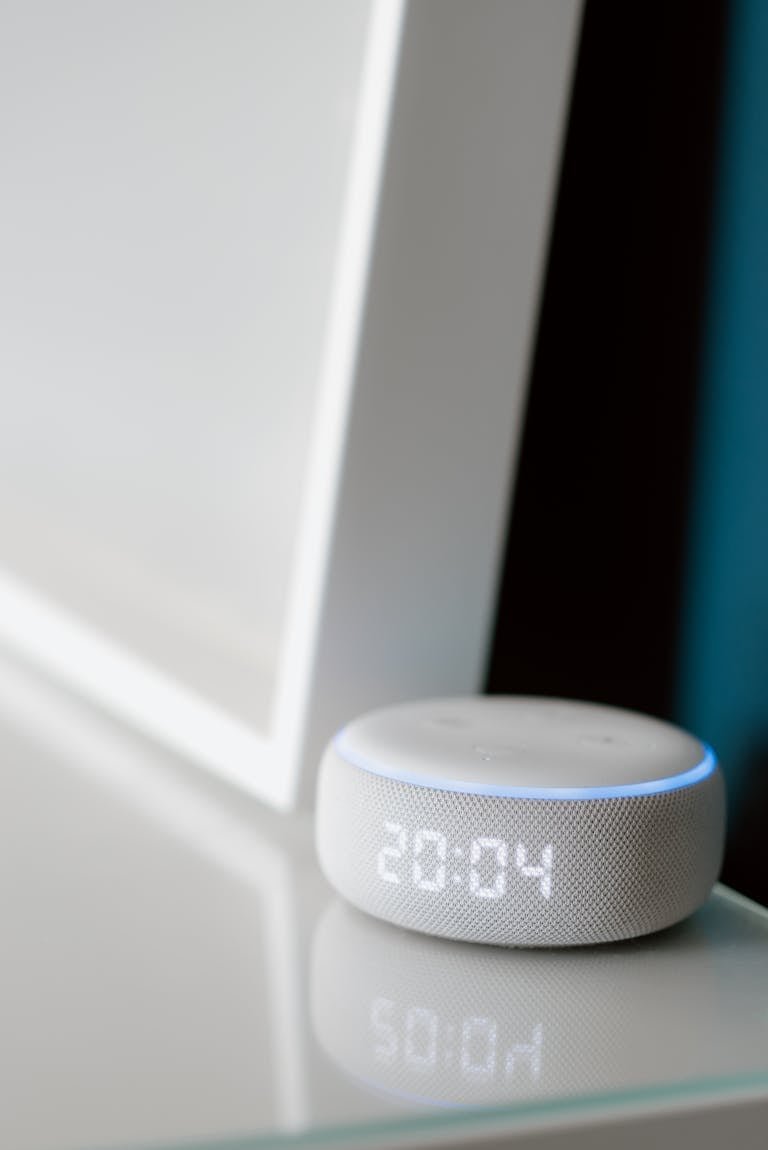
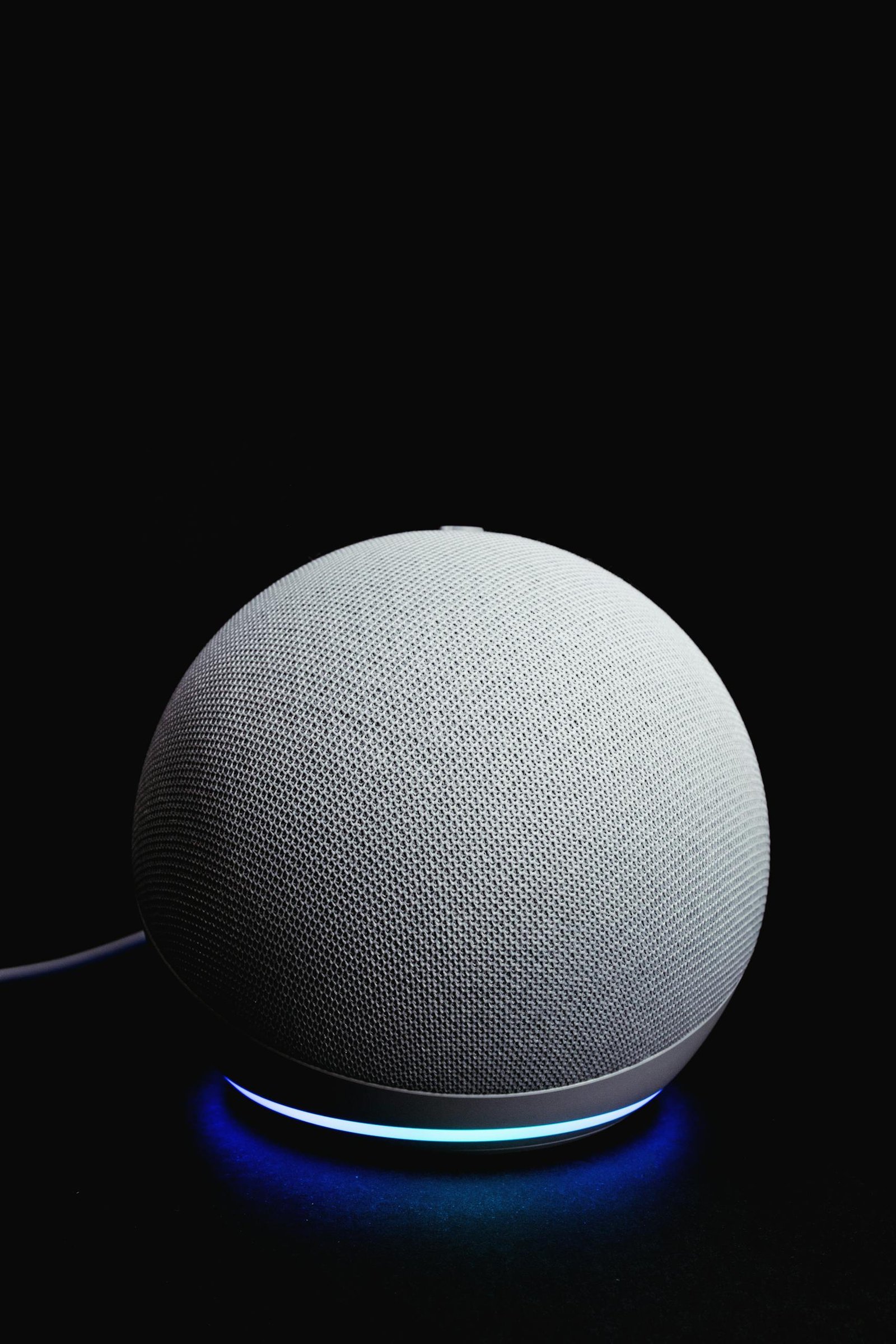
The Amazon Echo Dot (5th Gen) is more than a speaker. It’s a smart-home hub that connects, controls, and automates nearly any device. For less than $50, it’s the easiest way to modernize any home. You can control lights, plugs, locks, and thermostats with your voice, play music, check weather, and set reminders, automate routines like “Good Morning” or “Good Night,” use it as a home intercom, and pair it with smart devices from brands like Philips Hue, TP-Link, ecobee, and August.
👉 Check Latest Price on Amazon
How It All Connects — Smart Home Starter Diagram
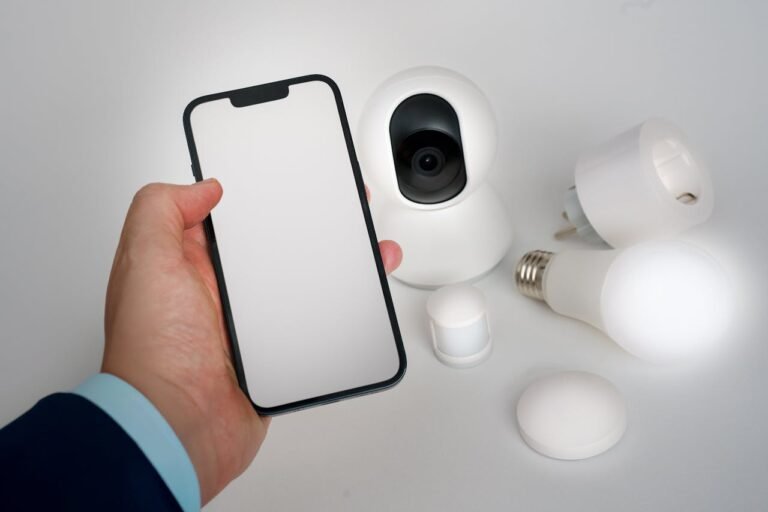
Imagine this simple setup: Echo Dot → Wi-Fi Router → Smart Plugs, Bulbs, and Locks. Your Echo Dot listens for your voice, sends commands through Wi-Fi, and controls connected devices anywhere in the house. Even a 1950s home becomes “smart” instantly—no wiring required.
Quick-Start Checklist
Before you begin, check these boxes:
✅ Strong Wi-Fi signal near main living area
✅ Alexa app installed on your phone
✅ Amazon account created
✅ Choose your first smart device (plug, bulb, or lock)
Setup Steps:
- Plug in your Echo Dot
- Open the Alexa app → Devices → Add Device
- Connect to Wi-Fi and test a voice command
- Add a smart plug or bulb to control something instantly
- Create your first routine (for example, “Good Morning”)
Real-World Uses That Change Your Day
Morning: Say “Alexa, good morning,” and your lights brighten, coffee brews, and music starts.
Night: Say “Alexa, good night,” and the doors lock and the thermostat lowers.
Away Mode: Turn devices on or off from your phone for security and energy savings.
Top 5 Alexa Commands Every Beginner Should Try
- “Alexa, turn on the living room lamp.”
- “Alexa, set the thermostat to 72 degrees.”
- “Alexa, play relaxing music.”
- “Alexa, turn everything off.”
- “Alexa, good night.”
Try these immediately after setup—they’re simple, satisfying, and show off your new smart-home power.
Echo Dot vs Other Smart Speakers
| Device | Voice Assistant | Smart Hub Support | Price | Best For |
|---|---|---|---|---|
| Amazon Echo Dot (5th Gen) | Alexa | Works with most major brands | $49 | All-purpose home hub |
| Google Nest Mini | Google Assistant | Excellent for Android ecosystems | $49 | Google users |
| Apple HomePod mini | Siri | Tight HomeKit integration | $99 | Apple households |
The Echo Dot wins on price and compatibility for beginners who want a broad range of connected device options.
Common Mistakes Beginners Make — and How to Fix Them
- Using the wrong Wi-Fi band: many devices need 2.4 GHz, not 5 GHz
- Giving devices confusing names: rename them clearly (for example, “Bedroom Lamp,” not “Lamp 1”)
- Mixing ecosystems: stick to Alexa-compatible gear when starting out
- Skipping updates: always install firmware updates for performance and security
- Ignoring automation: routines are where real convenience and savings happen
Fix these early, and your smart home will feel seamless.
Smart Home ROI — How It Saves You Money
Smart devices aren’t just convenient—they pay for themselves. Smart plugs reduce phantom power waste and can save about $100 per year. Smart thermostats trim HVAC costs by 8–15 percent. Smart lighting cuts electricity use by up to 40 percent. Altogether, these savings can reach $150–$300 annually, meaning your $49 Echo Dot could pay for itself within months.
For under $49, the Amazon Echo Dot (5th Gen) is the fastest way to bring any home into the future. It’s small, powerful, and simple enough for anyone to set up in minutes. Whether you live in a 1950s bungalow or a downtown apartment, this little device makes your home instantly smart—no tools, no rewiring, no stress.
Frequently Asked Questions
Will this work in an older home with no smart wiring?
Yes. All you need is Wi-Fi and a power outlet—no rewiring or special installation needed.
Do I have to buy other smart devices too?
Not right away. The Echo Dot works on its own for music, timers, weather, and reminders, and you can expand later.
Does Alexa always listen?
Only after hearing the wake word “Alexa.” You can view or delete recordings anytime in the Alexa app.
Is it compatible with iPhone and Android?
Yes. The Alexa app is free and works perfectly with both.
What if I prefer Google or Apple?
Consider the Google Nest Mini or Apple HomePod mini—but for value, compatibility, and expandability, the Echo Dot remains the top choice for beginners.