10 Best Smart Home Devices for Beginners
Best Smart Home Devices for Beginners
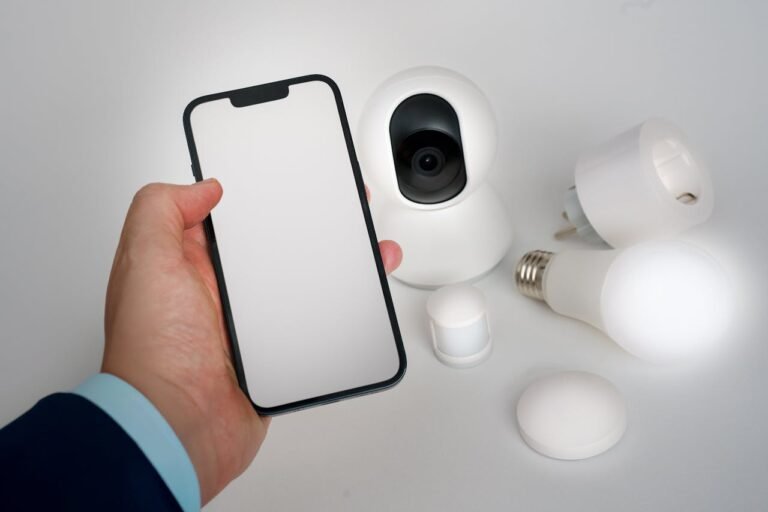
Getting started with smart home tech doesn’t have to be complicated or expensive. Modern IoT products are now plug-and-play, secure, and work seamlessly together. Here’s your complete beginner’s guide to smart home devices that make daily life easier, safer, and more energy-efficient.
Smart Home Starter Checklist
Before you buy your first smart device, make sure you’re ready:
✅ Reliable Wi-Fi coverage across your home
✅ Choose one ecosystem (Alexa | Google Home | Apple HomeKit)
✅ Install all companion apps on your phone
✅ Create a dedicated email for device accounts
✅ Enable two-factor authentication for security
✅ Confirm compatibility between devices before buying
Recommended Beginner Bundle (Under $250 Total)
Want to start with devices that just work together? Try this “smart home starter kit”:
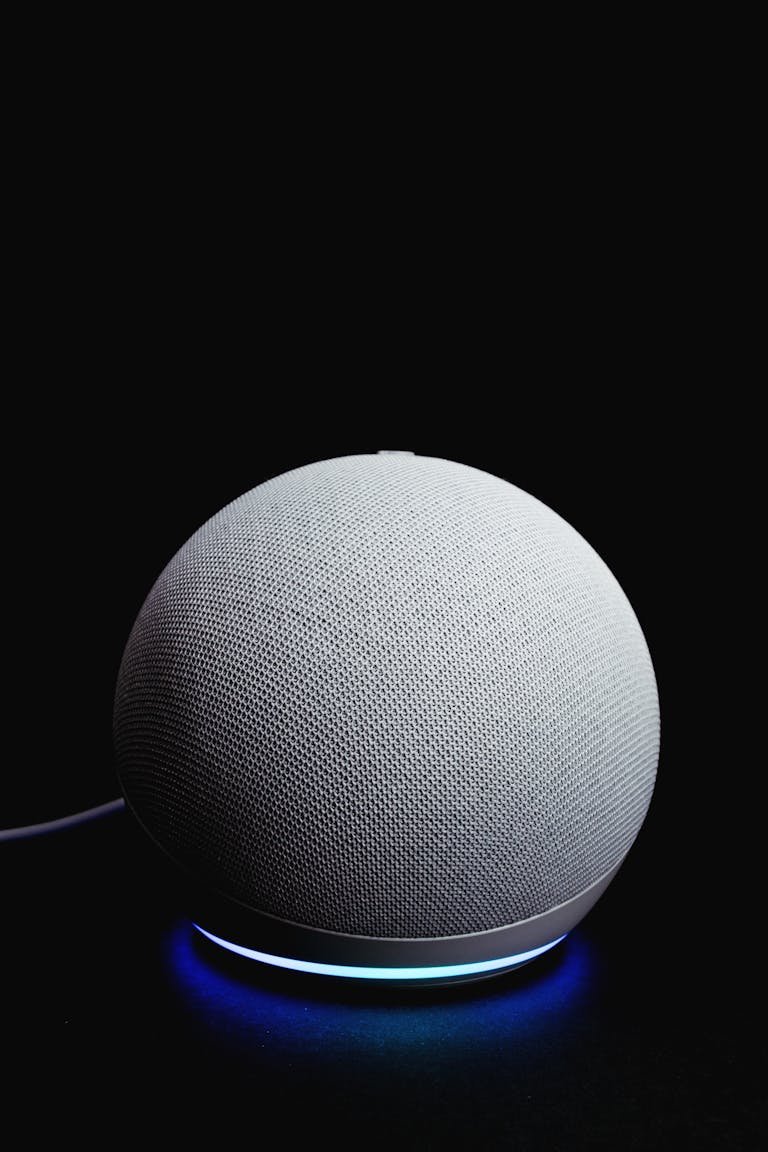
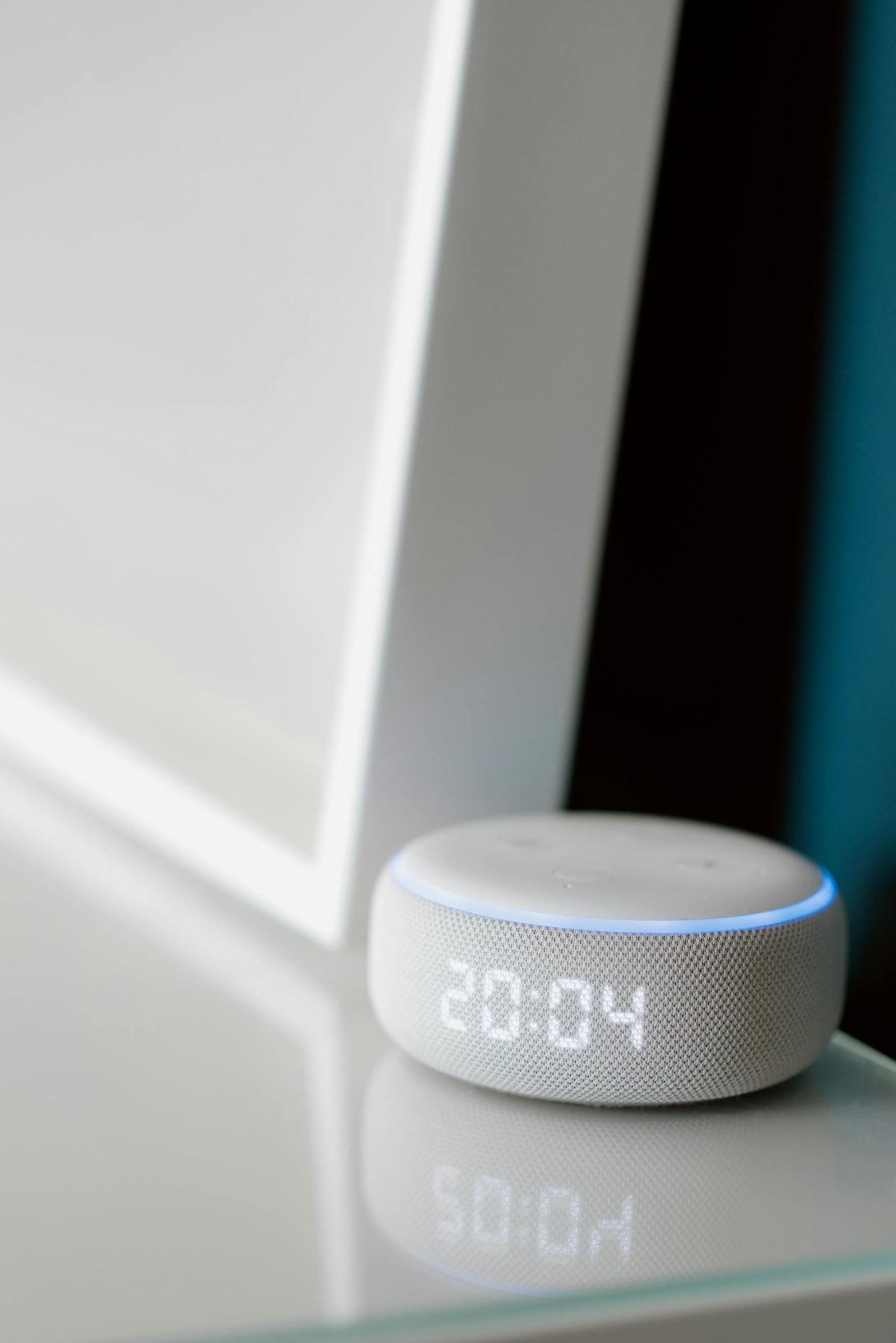
- Amazon Echo Dot (voice hub + assistant)
- TP-Link Tapo Smart Plug Mini (automation control)
- Philips Hue Bridge + Smart Bulbs (lighting ecosystem)
- August Wi-Fi Smart Lock (home security)
Top 10 Devices for Smart Home Beginners
| Device | Works with Alexa | Google Assistant | Apple HomeKit | Price Range | Best For |
|---|---|---|---|---|---|
| Echo Dot | ✅ | ❌ | ❌ | $49 | Voice Control Hub |
| TP-Link Tapo Plug Mini | ✅ | ✅ | ✅ (Matter) | $13 | Automation |
| Google Nest Hub ) | ❌ | ✅ | ❌ | $99 | Smart Display |
| Honeywell T9 Thermostat | ✅ | ✅ | ❌ | $160 | Comfort & Savings |
| August Wi-Fi Smart Lock | ✅ | ✅ | ✅ | $199 | Security |
| Philips Hue Bridge | ✅ | ✅ | ✅ | $100 | Lighting |
| YoLink Sensor Kit | ✅ | ✅ | ❌ | $60 | Entry Sensors |
| Apple HomePod mini | ❌ | ❌ | ✅ | $99 | Apple Users |
| Echo Show 5 | ✅ | ❌ | ❌ | $60 | Video Display |
| ecobee Smart Thermostat Premium | ✅ | ✅ | ✅ | $300 | Energy Efficiency & Comfort |
Everyday Automation Examples
Morning Routine:
Lights fade in, thermostat warms the room, and your smart plug powers your coffee maker — all triggered by your voice or a preset schedule.
Night Routine:
Say “Goodnight Alexa,” and watch your lights dim, your locks secure, and your thermostat switch to sleep mode automatically.
Common Mistakes Beginners Should Avoid
- Buying devices from different ecosystems that don’t sync
- Forgetting firmware updates and creating security risks
- Adding too many devices too fast and getting overwhelmed
- Ignoring Wi-Fi placement — weak signal means weak automation
These simple fixes can prevent most setup frustrations.
Smart Home Expansion Ideas
Once you’ve mastered the basics, consider adding:
- Smart cameras and doorbells for home security
- Smart thermostats and plugs for energy savings
- Voice-activated routines for convenience
- IoT devices for apartments — perfect for renters
Energy Savings Impact
Smart devices can quickly pay for themselves:
- Smart thermostats reduce HVAC costs by 8–15 % per year
- Smart plugs cut standby power waste by up to 20 %
- Lighting schedules prevent overnight energy drain
Together, these small changes can save $150–$300 annually depending on usage and climate.
Smart-Home Living
The easiest path into smart-home living starts with one device that truly improves your day. Add another once you’re comfortable, and before long, your home will be safer, more efficient, and ready for the future of connected living.
FAQs
Q: What smart devices should I buy first?
Start with a smart speaker and plug or bulb for immediate benefits.
Q: Do I need a hub for a smart home?
Not always — many new devices work via Wi-Fi or Matter without extra hardware.
Q: Can renters install smart devices?
Yes — use plug-in or peel-and-stick devices that don’t require drilling.
Q: Are smart devices secure?
Buy trusted brands, use two-factor authentication, and keep firmware updated.
Q: Do smart devices really save money?
Absolutely — energy-efficient models like smart thermostats and plugs can lower bills by hundreds each year.